May 27, 2026

Small Business Website Checklist: 15 Fixes That Generate Leads
A small business website should not just sit online and look nice. It should help people understand what you do, trust your business, and take the next step. That next step might be booking a call, requesting a quote, filling out a form, making a purchase, or contacting your team. If your website gets traffic but does not produce leads, the problem is usually not one single thing. It is a collection of small gaps that create friction for the visitor.
Maybe the homepage takes too long to explain your offer. Maybe the call to action is buried. Maybe the website looks professional on desktop but feels clunky on mobile. Maybe your service pages do not include the keywords your customers actually search for. Maybe your contact form asks for too much information too soon. Each issue seems small by itself, but together, they can cost you real business.
That is why a website checklist matters. A strong website connects design, SEO, messaging, speed, structure, and conversion strategy. At AdConsulter, we believe marketing should turn into revenue, not just impressions. Your website is one of the most important pieces of that system because every channel points back to it. SEO sends people to your site. Social media sends people to your site. Email campaigns send people to your site. Paid ads send people to your site. If the website is not built to convert, the rest of your marketing works harder than it needs to.
Here is a practical small business website checklist to help you turn more visitors into leads.
1. Make the First Five Seconds Extremely Clear
When someone lands on your website, they should be able to answer three questions almost immediately: What do you do? Who do you help? What should I do next?
Many small business websites fail because the hero section is too vague. Phrases like “innovative solutions for modern businesses” sound polished, but they do not tell the visitor anything specific. Your homepage headline should communicate the outcome your business creates. Your subheading should add clarity. Your call-to-action button should tell people exactly what to do next.
For example, a service business should not make users scroll halfway down the page to understand what services are offered. An e-commerce brand should not hide its best-selling category. A consultant should not make people guess whether they work with individuals, small businesses, or enterprise clients.
A strong first section is not just about design. It is about reducing confusion. Confused visitors leave. Clear visitors keep reading.
2. Use One Primary Call to Action
Your website can have multiple paths, but every page should have one primary goal. A homepage might drive visitors to schedule a call. A service page might encourage them to request a quote. A product page might push them to buy. A blog might send them to a related service page.
The mistake many websites make is giving people too many options at once. “Learn More,” “Contact Us,” “View Services,” “Read Blog,” “Follow Us,” and “Subscribe” all competing for attention can weaken the action you actually want people to take.
AdConsulter uses a direct call to action across its website: Schedule Your Free Strategy Call Today. That works because it gives interested visitors a clear next step. If your website does not have a strong CTA, you are asking visitors to make the decision for you.
Your CTA should appear near the top of the page, throughout the page, and again at the end. Do not make people hunt for it.
3. Build Service Pages for Every Core Offer
A common website mistake is putting every service on one short page. This may feel simple, but it limits your SEO potential and makes it harder to convert specific buyers.
Each major service deserves its own page. A person searching for social media help has different questions than someone searching for SEO support. A business owner looking for a new website wants to see different information than someone comparing email marketing options.
AdConsulter does this well by separating its core services into dedicated pages, including Social Media Marketing, SEO Marketing, Email Marketing, Website Design, and All-Inclusive Marketing. This gives each service room to rank, explain value, answer questions, and drive the right type of lead.
If your business has multiple offers, do not squeeze them into one paragraph. Give each offer a page that can work for you.
4. Make the Website Mobile-First
Your website may look great on a large desktop screen, but many potential customers will view it on a phone. If the mobile experience is difficult, you lose people before they ever contact you.
Mobile-first design means buttons are easy to tap, text is readable without zooming, forms are simple, page sections stack cleanly, and the menu is easy to navigate. It also means you avoid oversized images, crowded layouts, and popups that block the screen.
A mobile website should feel effortless. Users should be able to understand your business, view your services, and take action without pinching, zooming, or fighting the page.
This is especially important for small businesses that rely on quick decisions. If someone searches for a service from their phone and your website is slow or confusing, they will likely choose a competitor.
5. Improve Page Speed Before Spending More on Ads
Paid traffic can expose website problems quickly. If you run ads to a slow website, you are paying for people to wait. Many will not.
Speed affects user experience and conversion behavior. A fast site feels more professional, more trustworthy, and easier to use. A slow site creates doubt. Visitors may wonder if the business is outdated, overloaded, or not serious about the customer experience.
Start by compressing images, removing unnecessary plugins, simplifying heavy page sections, and checking how the site performs on mobile. Clean design often converts better than overbuilt design because it helps visitors focus.
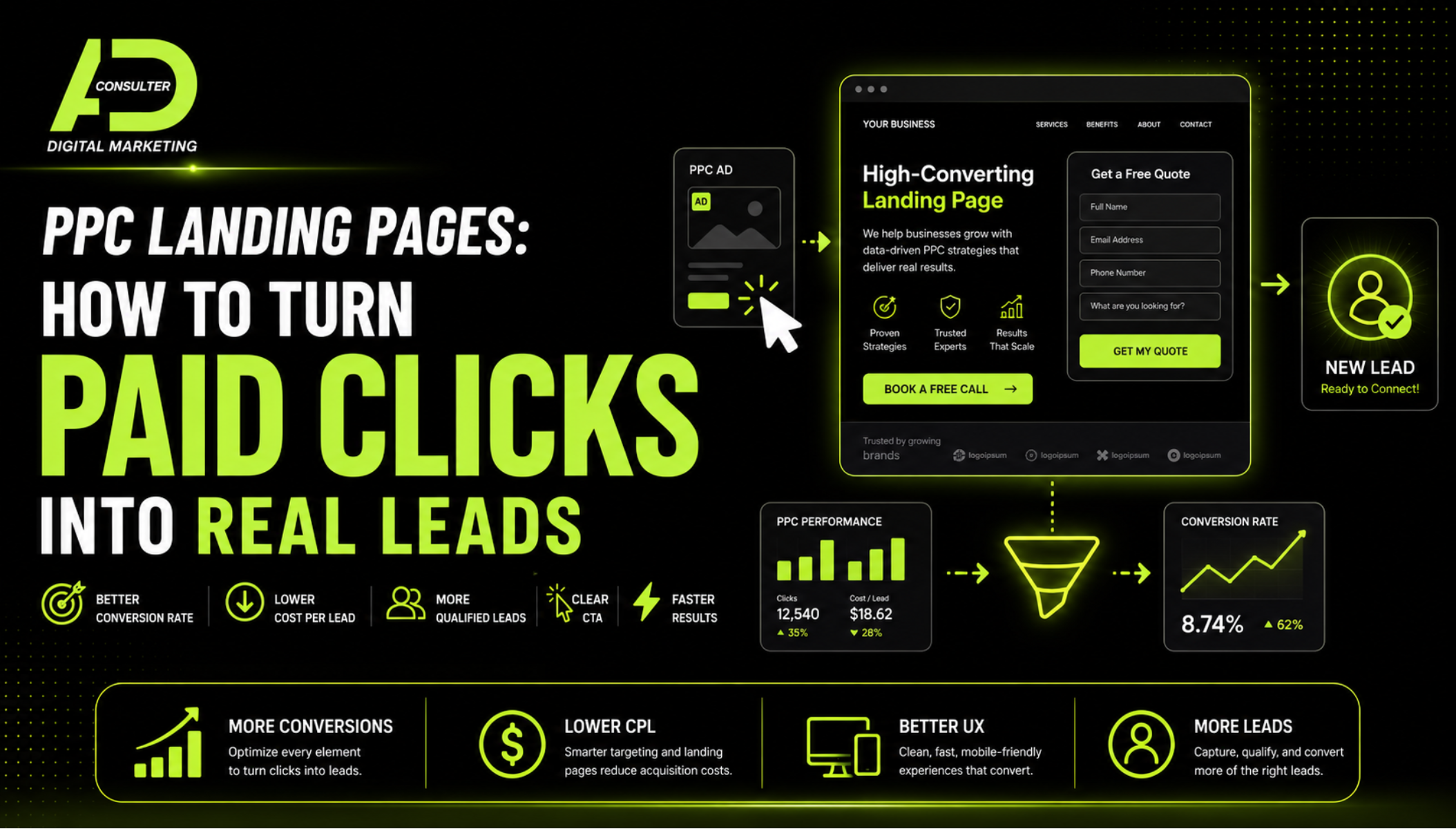
Before increasing ad spend, make sure your website is ready to receive that traffic. Otherwise, you may not have an advertising problem. You may have a landing page problem.
6. Write Headlines for Buyers, Not Just for Branding
Every page should have headlines that guide the reader. Strong headings help visitors scan quickly and understand why they should care. They also help search engines understand what each page is about.
A weak heading might say, “Our Process.” A stronger heading might say, “A Clear Website Design Process Built Around Leads, Speed, and SEO.”
A weak service heading might say, “What We Do.” A stronger heading might say, “SEO Marketing That Helps Customers Find You When They Are Ready to Buy.”
Good website copy is not about writing more. It is about making every section easier to understand. Your headers should move the visitor through the page and keep reinforcing the value of working with your business.
7. Add Trust Signals Throughout the Site
People need reasons to trust you before they reach out. Trust signals can include testimonials, case studies, portfolio work, client results, reviews, before-and-after examples, industry experience, certifications, media mentions, or clear explanations of your process.
AdConsulter has a portfolio page that highlights different types of marketing wins, from PPC campaigns to organic reach expansion and lead generation success. This helps visitors see that the agency is not just describing services; it is showing outcomes.
Trust signals should not live only at the bottom of the homepage. Add them near important decision points. If you explain a service, include proof. If you ask someone to book a call, show why that call is worth their time. If you discuss pricing, reinforce what is included.
8. Create Clear Service Descriptions
A service page should not just list what you offer. It should explain what the service does, why it matters, what is included, and how it helps the customer.
For example, AdConsulter’s SEO Marketing page explains keyword and competitor research, website audits, technical SEO fixes, on-page optimization, content strategy, backlink outreach, and monthly reporting. That level of clarity helps buyers understand the value behind the service.
Your service pages should answer questions before the prospect asks them. What happens when someone signs up? What is included? How long does it take? How do you measure performance? What makes your process different?
When your website answers these questions clearly, leads come in warmer and more informed.
9. Add Internal Links Strategically
Internal links help users move through your website and help search engines understand the relationship between your pages. A blog about website conversions should link to your website design service. A blog about SEO should link to your SEO service. A pricing page should connect back to services and contact options.
Internal linking also keeps visitors engaged longer. If someone lands on a blog post and finds a helpful link to a relevant service, they are more likely to continue exploring.
This blog, for example, naturally links to AdConsulter’s Website Design, SEO Marketing, and All-Inclusive Marketing pages because website performance connects to all of those areas.
Do not add links randomly. Add them where they help the reader take the next logical step.
10. Make Forms Simple and Friction-Free
Lead forms should be easy to complete. The more fields you add, the more resistance you create. In many cases, name, email, phone number, and a brief message are enough to start the conversation.
If your sales process requires more information, you can collect it after the first point of contact. The goal of the form is not to complete the whole sales process. The goal is to create a low-friction path for a qualified person to raise their hand.
Also make sure forms work properly on mobile. Test every form regularly. Submit test leads. Confirm emails are delivered. Check that thank-you messages or confirmation pages make sense.
A broken form can quietly cost a business leads for months.
11. Build Pages Around Search Intent
SEO is not just about adding keywords. It is about matching what people are looking for. A person searching “website designer for small business” likely wants examples, pricing direction, process information, and proof. A person searching “why is my website not getting leads” wants diagnosis and solutions.
Your website should serve different search intents through different pages. Service pages capture high-intent buyers. Blog posts answer educational questions. Portfolio pages build credibility. Pricing pages support decision-making. Contact pages remove final friction.
AdConsulter’s blog supports broader marketing education, while the service pages focus on specific solutions. That structure helps create a stronger website ecosystem.
12. Add SEO-Friendly Metadata
Every important page should have a unique title tag and meta description. These elements help search engines understand the page and influence how it appears in search results.
A homepage title should include the business name and primary offer. A service page title should include the service and audience. A blog title should include the target keyword and a compelling reason to click.
Meta descriptions should be clear, benefit-driven, and specific. They do not need to be stuffed with keywords. They need to help searchers understand why your page is worth visiting.
13. Make Your Contact Information Easy to Find
Visitors should not have to dig for your contact information. Your website should include a contact page, clear CTA buttons, and consistent links to schedule a call or request information.
AdConsulter’s Contact page gives visitors a clear place to take action, and the website also points users toward a free 15-minute strategy call. That is smart because different visitors prefer different levels of commitment. Some want to browse. Some want to ask questions. Some are ready to talk.
Your website should support all three.
14. Make the Design Look Professional, But Keep It Easy to Use
A stunning website is valuable, but design should never get in the way of clarity. The best small business websites look polished while still being easy to navigate.
Use consistent fonts, strong contrast, clear spacing, and brand colors that support readability. Avoid cluttered layouts, long paragraphs without breaks, and animations that slow down the page. Your design should guide the visitor, not distract them.
AdConsulter’s Website Design service focuses on custom design, mobile optimization, SEO-ready architecture, and conversion-driven layouts. That combination matters because a website needs to look credible and perform.
15. Connect the Website to a Full Marketing Strategy
Your website is not separate from your marketing. It is the center of it.
If you post on social media, the website should support the offer. If you run SEO campaigns, the website should have optimized pages. If you send emails, the links should lead to pages that continue the conversation. If you run PPC or paid social ads, the landing pages should be built for conversion.
That is why many businesses eventually need more than one isolated service. AdConsulter’s All-Inclusive Marketing approach brings social media, SEO, website support, email marketing, and growth strategy into one connected plan. When every channel works together, the website becomes more than a digital brochure. It becomes a revenue engine.
Final Thoughts: Your Website Should Work as Hard as You Do
A strong small business website does not need to be complicated. It needs to be clear, fast, trustworthy, optimized, and built around action. The goal is not just to impress visitors. The goal is to help them understand why your business is the right choice and make it easy for them to take the next step.
If your website looks nice but does not generate leads, it may be time to look deeper. Review your headlines. Test your forms. Check your mobile experience. Strengthen your service pages. Add internal links. Improve speed. Make the call to action impossible to miss.
And if you want help turning your website into a stronger lead-generation asset, explore AdConsulter’s Website Design, SEO Marketing, and All-Inclusive Marketing services.
Ready to see what your website could be doing better? Schedule a free 15-minute strategy call with AdConsulter and let’s build a website that turns more visitors into real leads.
FAQs
What should every small business website include?
Every small business website should include a clear homepage, dedicated service pages, a strong call to action, trust signals, contact information, mobile-friendly design, fast loading speed, SEO-friendly structure, and simple lead capture forms.
Why is my website getting traffic but no leads?
Your website may have unclear messaging, weak calls to action, slow page speed, poor mobile design, confusing service pages, or too much friction in the contact process. Traffic only matters if the page gives visitors a reason to take action.
How can AdConsulter help improve my website?
AdConsulter can help with custom website design, SEO-ready structure, conversion-focused layouts, lead capture setup, and a connected marketing strategy that turns your website into a stronger business growth tool.
.png)